Zintora Gifts for Slack
Send team gifts without leaving Slack.
Type /zintora gift, pick the teammates you want to thank and the gifts they can choose from. Each person gets a private link to choose their gift and add an address. We produce it with your logo and ship it.
Zintora Gifts is free to install. Each gift is paid at its catalogue price from your company's prepaid gift budget. See prices in the catalogue
See how it works- Only owners, admins and the installer can send
- Private links that work once
- Delivery across EMEA, APAC and the Americas

Zintora GiftsApp10:42
Welcome to the team, Laura! We're so glad you're here. Pick something you'll actually use.
Choose your gift and add your delivery details.
Choose your giftPrivate link · works once
How it works
From Slack to their door in four steps.
No spreadsheets of home addresses, no boxes piling up in the office.
- 1
Start in Slack
Type /zintora gift in any channel or direct message and a short form opens right inside Slack.
/zintora gift - 2
Pick people, gifts and a note
Choose the teammates you want to thank, the gifts they can choose from and a personal note for the message.
- 3
Everyone chooses their own gift
Each person receives a private Slack message with a one-time link. They pick their gift, a size where it applies and a delivery address.
- 4
We make it and ship it
Zintora produces, packs and ships every gift. Follow progress with /zintora status or in your company dashboard.
/zintora status
Occasions
A good reason to give, all year round.
Run a campaign for one person or the whole company.
Onboarding and welcome
Make day one memorable with a gift that reaches your new starter wherever they work.
Birthdays
With birthdays in your people directory, the gift can go out on its own when the day comes.
Work anniversaries
Mark one, five or ten years with something more personal than a card.
Spot awards
Recognise a launch, a last-minute rescue or a great quarter while it still feels fresh.
Holidays and seasonal
Send end-of-year gifts to the whole company without collecting a single address yourself.
Client gifts
Thank clients and partners with the same branded catalogue. Tell us what you need and we'll help you plan it.
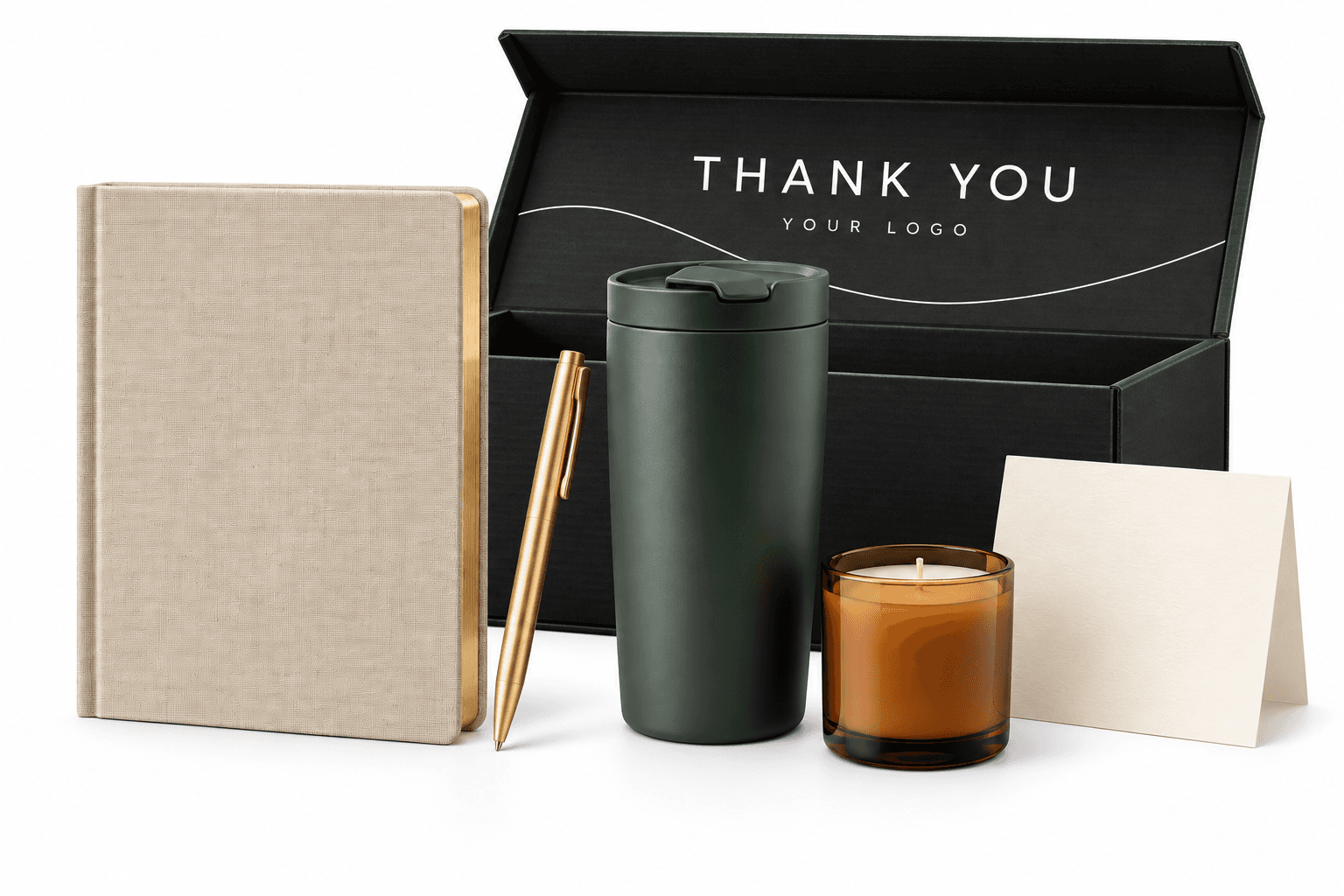
Production and delivery
We make it. We ship it.
You decide who to thank. We take care of everything else, from your logo to each person's door.
Design
We prepare each gift and its packaging with your logo.
Print
Each item is branded with the technique that suits it best.
Pack
Every gift is packed for its recipient, ready to open.
Ship
We ship each gift straight to the address its recipient entered.
Delivery across EMEA, APAC and the Americas.
Company dashboard
Budgets, people and every gift in one place.
Your company dashboard brings budgets, people and campaigns together, so People and Finance teams work from the same numbers.
- Overview
- People
- Campaigns
- Gift shop
- Budget
Gift budget
€12,480
Available balance
Request top-upPO uploaded · awaiting Zintora approval
By department
Engineering
Sales
People
Gift shop
Points balance
1,250 points
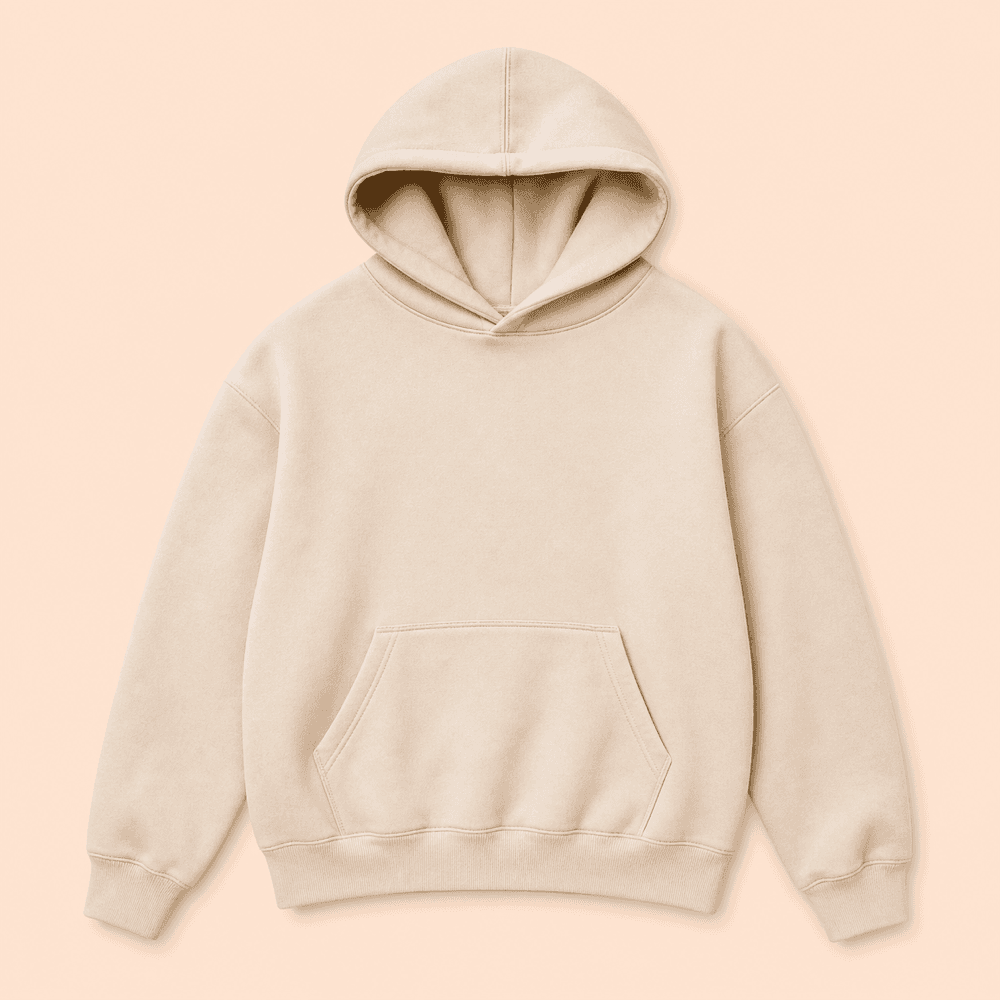

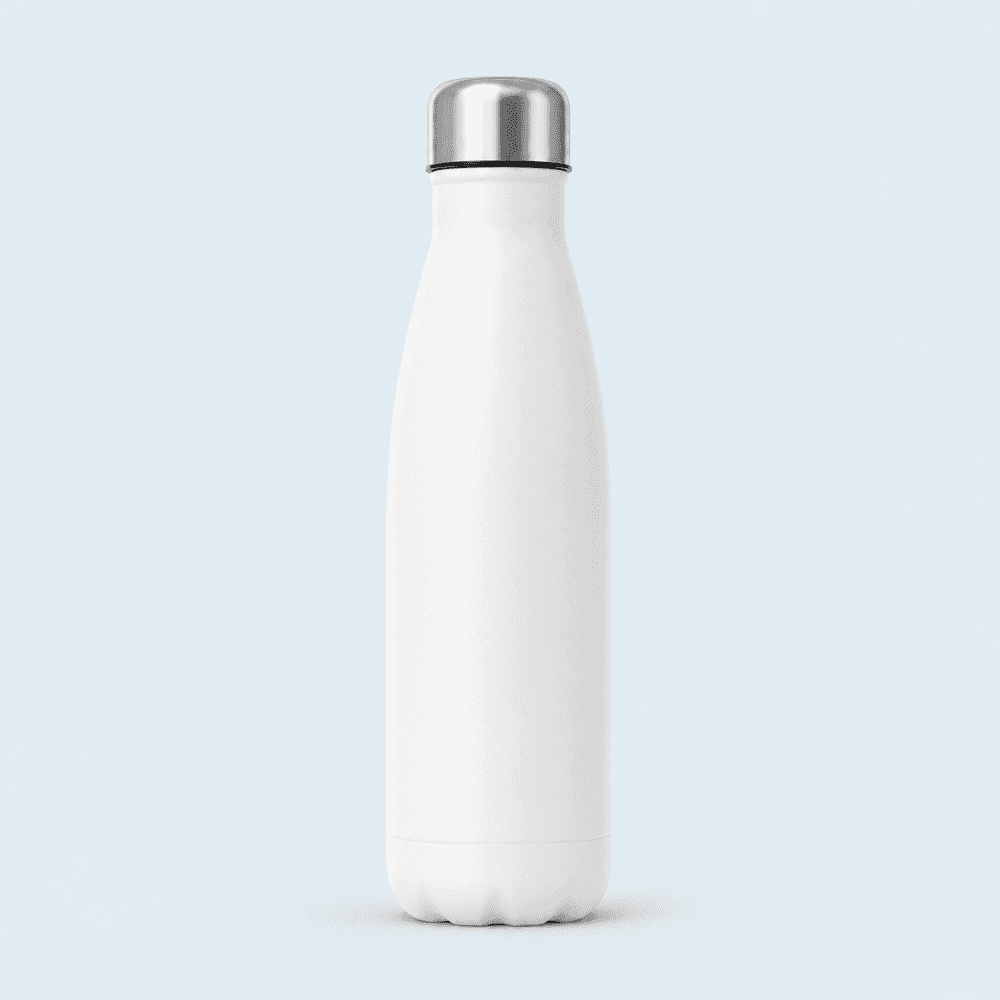
Welcome gifts · October
12 gifts
- Laura BennettDelivered
- James CarterShip
- Priya ShahPrint
Upcoming automatic gifts
- JCJames CarterBirthday · 14 Oct
- PSPriya Shah5 years · 21 Oct
People directory
From Slack and CSV
Gift budget and top-ups
See your balance at a glance. Request a top-up by uploading a purchase order; Zintora approves it and your balance updates.
Department budgets
Split the budget across departments so each team gives within its own allowance.
People directory
Import your team from Slack or a spreadsheet, then add birthdays and work anniversaries to celebrate.
Automatic occasion gifts
Set up birthday and anniversary gifts once and they go out on their own when the day comes.
Campaign tracking
Follow every gift through design, print, pack, ship and delivered.
Branded gift shops
Open a shop of your branded items where people redeem points for the things they like.
Security and control
The right people stay in control.
Gifts commit budget, so only the people who decide can send them.
Owners, admins and the installer only
Only Slack workspace owners, workspace admins and the person who installed Zintora can use /zintora gift and /zintora status. Everyone else is told who to ask, and roles are checked live with Slack every time.
Signed Slack requests
Every command and form submission is verified with Slack's signing secret within a five-minute window.
Encrypted workspace tokens
Your workspace's Slack token is stored encrypted with AES-256-GCM and cleared when you uninstall.
Claim links stored only as hashes
Each claim link works once. We keep only a hash of it, never the link itself, and claim pages run no analytics.
Frequently asked questions
Who in our workspace can send gifts?
Slack workspace owners, workspace admins and the person who installed Zintora. If another member tries /zintora gift, we tell them who to ask.
What do recipients see?
A direct message from Zintora Gifts with your note and a private, one-time link. There they choose one of the gifts you offered, a size where needed and a delivery address. Their address is never posted in Slack, and your note appears exactly as you write it, in whichever language you like.
How do budgets and top-ups work?
Your company dashboard shows your gift budget balance. To add funds, request a top-up and upload a purchase order; once Zintora approves it, your balance updates. You can also split the budget across departments.
Which countries do you deliver to?
We deliver across EMEA, APAC and the Americas. Tell us where your team is and we'll confirm the details of your campaign with you.
What data does Zintora store?
For each workspace: its Slack ID and name, who installed the app and an encrypted Slack token. For each campaign: its name and note, the gift choices, recipients' Slack IDs and display names, and delivery status. When someone claims a gift, we store their choice, name, delivery address and, if they add one, an email address for gift-related updates. We don't request access to members' email addresses, and we never use Slack data for advertising or to train AI models. If you use the company dashboard, we also keep billing details, who has access, any purchase orders you upload and the people directory you add (birthdays without the year, and start dates). The privacy policy has the full details.
How do we uninstall?
Remove Zintora Gifts in your Slack workspace's app management settings. We then clear the workspace token and cached member records; campaign and claim history is kept until you ask us to delete it at [email protected].
Bring gifting into Slack.
Add Zintora Gifts to your workspace, or create a company account to manage budgets, people and campaigns from the dashboard.
Questions? Email us at[email protected]
Slack help and support